How to Use Printable Stickers in GoodNotes and Other Digital Planners
Transparent PNG stickers work in GoodNotes, Notability and most iPad and Android planner apps. Save the PNGs to your device, import them as images or into the app sticker library, then resize and place.
Quick answer: unzip your download, save the transparent PNG files to your iPad or tablet, then in GoodNotes tap the image or sticker tool and insert the PNG. Drag to resize. Because PNG files have a transparent background, the sticker sits cleanly on any planner page.
Step 1: Get the PNG files onto your device
- Download the ZIP from your Etsy Purchases page in a web browser (the Etsy app does not download digital files).
- On iPad, open the ZIP in the Files app. Tapping it extracts a folder of PNGs.
- Optional: select the PNGs and choose “Save Image” to add them to Photos for quick access.
Step 2: Add stickers in GoodNotes
- One-off use: choose the image tool, pick a PNG from Photos or Files, then place and resize it.
- Reusable stickers: in GoodNotes 6 open the Elements or sticker panel and create a collection, then add your PNGs so they are one tap away in every notebook.
Notability and Android apps
Notability lets you insert images from Photos or Files and move them freely. Most Android planner apps such as Noteshelf and Samsung Notes also accept PNG images. If an app has a sticker library, import the PNGs once and reuse them.
Keep stickers sharp
- Use the PNG files, not screenshots of the PDF.
- Scale down rather than up. Our PNGs are high resolution, so shrinking keeps them crisp.
- Group sets into collections by theme: habits, appointments, seasonal.
Can I print the same stickers?
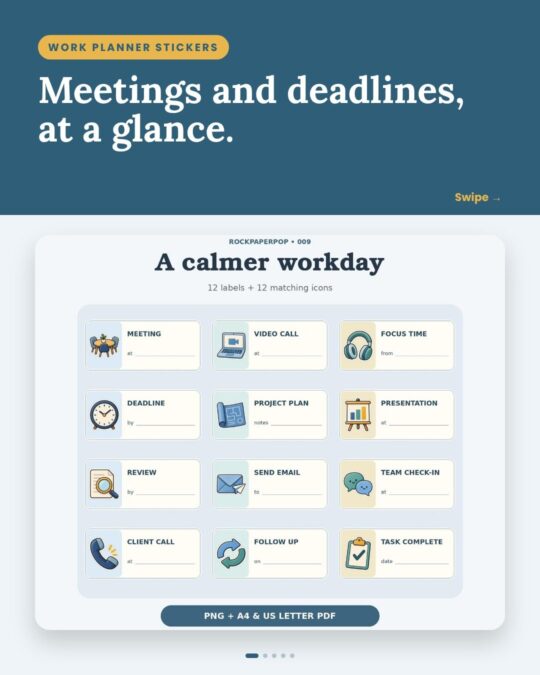
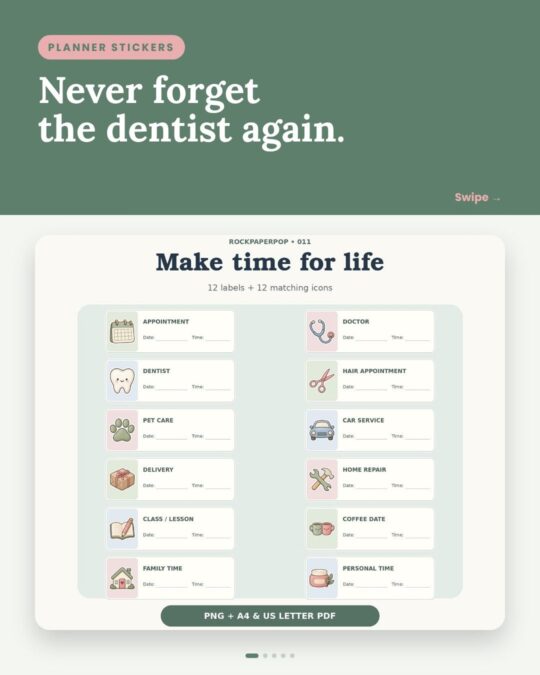
Yes. RockPaperPop sticker sets include both PNGs for digital planning and US Letter and A4 PDFs for printing, under the same personal-use license.
Digital-planner-friendly sticker sets
Frequently asked questions
Do printable stickers work in GoodNotes?
Yes, if they come as transparent PNG files. Insert them as images or add them to a GoodNotes sticker collection.
Why is there a white box around my sticker?
The file is a JPG or a screenshot. Use the PNG version, which has a transparent background.
Can I download Etsy digital files on my iPad?
Yes, but use Safari or another browser, not the Etsy app. Go to Purchases and choose Download Files.
Can I share the stickers with friends?
No. The personal-use license covers your own planners. Friends can buy their own copy on Etsy.
More ideas: how to use planner stickers to stay organized.
Related reading
- What are kawaii stickers? Meaning, styles and ideas
- How to plan your new year: a simple goal-setting system
Printables from this post