Best Sticker Paper for Printable Stickers: Matte, Glossy or Clear?
Matte sticker paper is the easiest choice for planner stickers because you can write on it. Here is how to choose between matte, glossy and clear sticker paper for inkjet and laser printers.
Quick answer: for planner and journal stickers, choose matte white full-sheet sticker paper made for your printer type (inkjet or laser). Matte is easy to write on, hides fingerprints and gives soft, true colors. Choose glossy for bright decorative stickers and clear for a “printed straight on the page” look.
Match the paper to your printer
This matters more than any brand. Inkjet sticker paper has a coating that absorbs liquid ink. Laser sticker paper is built to survive the heat of a laser printer. Using inkjet paper in a laser printer can damage the printer, and laser paper in an inkjet printer can smear. The box always says which type it is.
Matte vs glossy vs clear
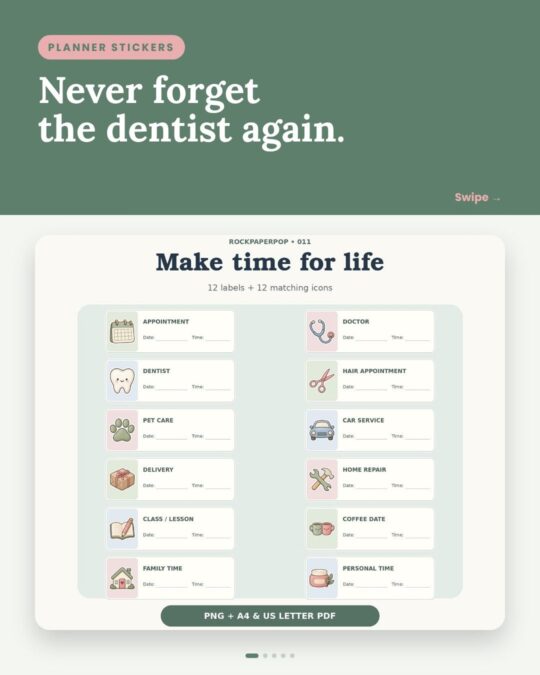
- Matte: writable with pens and pencils, no glare, forgiving with fingerprints. Best for to-do labels, habit trackers and planner stickers.
- Glossy: brighter, punchier colors and a shiny finish. Best for decorative kawaii stickers. Let the ink dry fully before touching.
- Clear / transparent: the background disappears on white pages. White areas in the design print as see-through, so colors look lighter.
Full sheet or pre-cut?
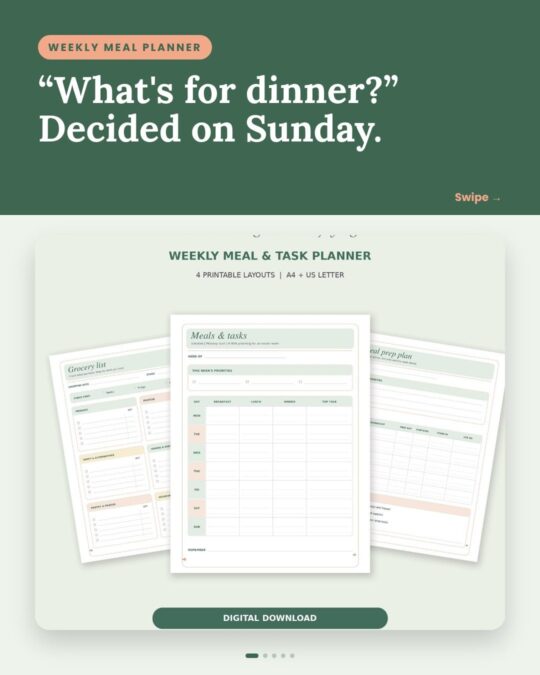
Printable sticker sets like ours are laid out for full-sheet sticker paper, also called “8.5 x 11 full sheet labels” in the USA and Canada or “A4 sticker paper” in the UK. You cut the shapes yourself with scissors, a craft knife or a cutting machine.
Printer settings for sharp colors
- Choose a paper type such as “Matte Photo” or “Glossy Photo” so the printer uses the right amount of ink.
- Set print quality to High or Best.
- Print at Actual Size / 100%.
- Feed one sheet at a time if your printer tends to grab two.
Making stickers water resistant
Home-printed inkjet stickers are not waterproof. A clear self-adhesive laminate sheet over the printed page adds protection for water bottles or cases. For planners and journals, plain matte paper is usually all you need.
Sticker sets that print beautifully on matte paper
Frequently asked questions
Can I use regular paper for printable stickers?
You can print on regular paper and glue the pieces in with a glue stick, which works well for scrapbooks. For peel-and-stick results you need sticker paper.
Is glossy or matte sticker paper better for planners?
Matte. It takes pen and pencil and does not show glare, so labels stay readable.
Can I use sticker paper in a laser printer?
Only if the box says it is made for laser printers. Inkjet-only sticker paper can melt or jam inside a laser printer.
What size sticker paper should I buy?
8.5 x 11 inch (US Letter) in the USA and Canada, A4 in the UK and Europe. Our files include both.
Next step: how to print and cut stickers at home and US Letter vs A4 explained.
Related reading
Printables from this post